
tech deep dives
Drone Firmware Updates: Why They Matter and How to Stay Current
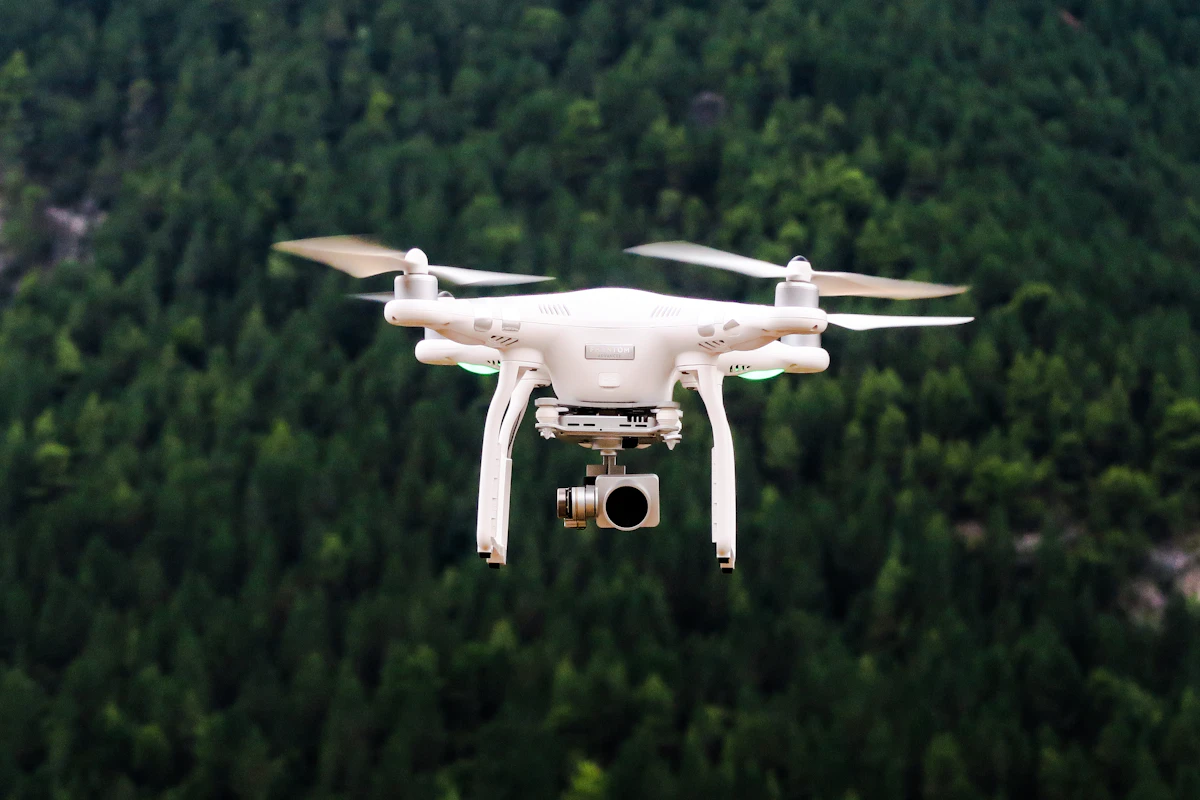
Why firmware updates matter for flight safety and range, how to update without breaking the radio link, and what to check after each version.
The Silent Engine of Your Drone
Most drone operators treat firmware updates as a nuisance—a popup notification that delays flight time by twenty minutes. However, firmware is the lifeblood of your Unmanned Aerial Vehicle (UAV). It is the low-level software that governs how your flight controller communicates with your ESCs (Electronic Speed Controllers), how the GPS locks onto satellites, and how your battery management system prevents voltage drops.
Running outdated firmware is akin to driving a performance vehicle with mismatched tires. You may get airborne, but you are compromising your safety, battery longevity, and image quality. Whether you are flying a DJI Mavic 3 or an Autel Evo II, firmware updates are non-negotiable.
1. Safety, Stability, and Flight Mechanics
Manufacturers release updates primarily to patch critical bugs that could lead to a 'fly-away' or sudden power loss. For instance, specific versions of firmware for the DJI Air series included vital updates that recalibrated the Inertial Measurement Unit (IMU) response to prevent drift in high-wind conditions.
When you ignore these updates, you risk:
- Inaccurate altitude hold readings.
- Delayed response times to joystick inputs.
- Unstable hovering leading to propeller strikes.
- Failure in 'Return to Home' (RTH) algorithms.
Before taking on high-stakes projects—like those found on Avionic Ledger—ensure your fleet is running the manufacturer's recommended version to minimize the risk of hardware failure in the field.
2. Unlocking Hidden Performance Gains
Firmware updates aren't just about fixing what is broken; they are often about unlocking potential. Developers constantly refine image processing pipelines. An update might introduce a new color profile, better noise reduction in low-light, or improved transmission stability (OcuSync performance).
Consider the evolution of enterprise drones; manufacturers often release updates that improve battery efficiency by 3-5%, which adds up to significant operational time over a year of commercial flights. If you are looking to upgrade your gear to keep up with industry standards, browsing the verified listings on Avionic Ledger is a great way to find drones that have been professionally maintained and kept up-to-date.
3. Compliance and Geo-Fencing Constraints
In the era of Remote ID and strict FAA airspace regulation, firmware is your primary tool for legal compliance. Manufacturers build 'No-Fly Zone' databases directly into the firmware. If your database is six months old, you might be flying into newly restricted airspace without knowing it. Keeping your drone current ensures your GPS-assisted geo-fencing is accurate, preventing accidental entry into temporary flight restrictions (TFRs) or controlled airspace around airports.
Best Practices for Updating
Updating can be stressful, as a failed flash can brick your controller or aircraft. Follow this protocol to stay safe:
- The 50% Rule: Never update your drone, remote, or battery if any device is below 50% charge. A power failure mid-update can permanently disable the device.
- Stable Connection: Always use a stable Wi-Fi connection for the download. If you are using a mobile device as a bridge, ensure your phone doesn't kill the background app.
- Clear the Cache: Before updating, clear your flight app's cache to ensure you aren't trying to overwrite corrupted local files.
- Test Flight: Never update your drone 30 minutes before a professional shoot. Always perform a test hover in a safe, open area to ensure the update didn't introduce new calibration issues.
The Lifecycle of Your Equipment
Technology moves fast, and eventually, older drone models stop receiving updates. If your current fleet is no longer supported by the manufacturer, it is time to move on. Selling your legacy hardware to fund an upgrade is a smart move for any pilot. By keeping your hardware current, you ensure that you remain a reliable asset for clients and a safe pilot for the public.
Topics
Related on Avionic Ledger
Compare the specs
Put two drones side by side
Flight hours, battery cycles, camera and range — compare real listings instead of spec sheets.
Compare drones